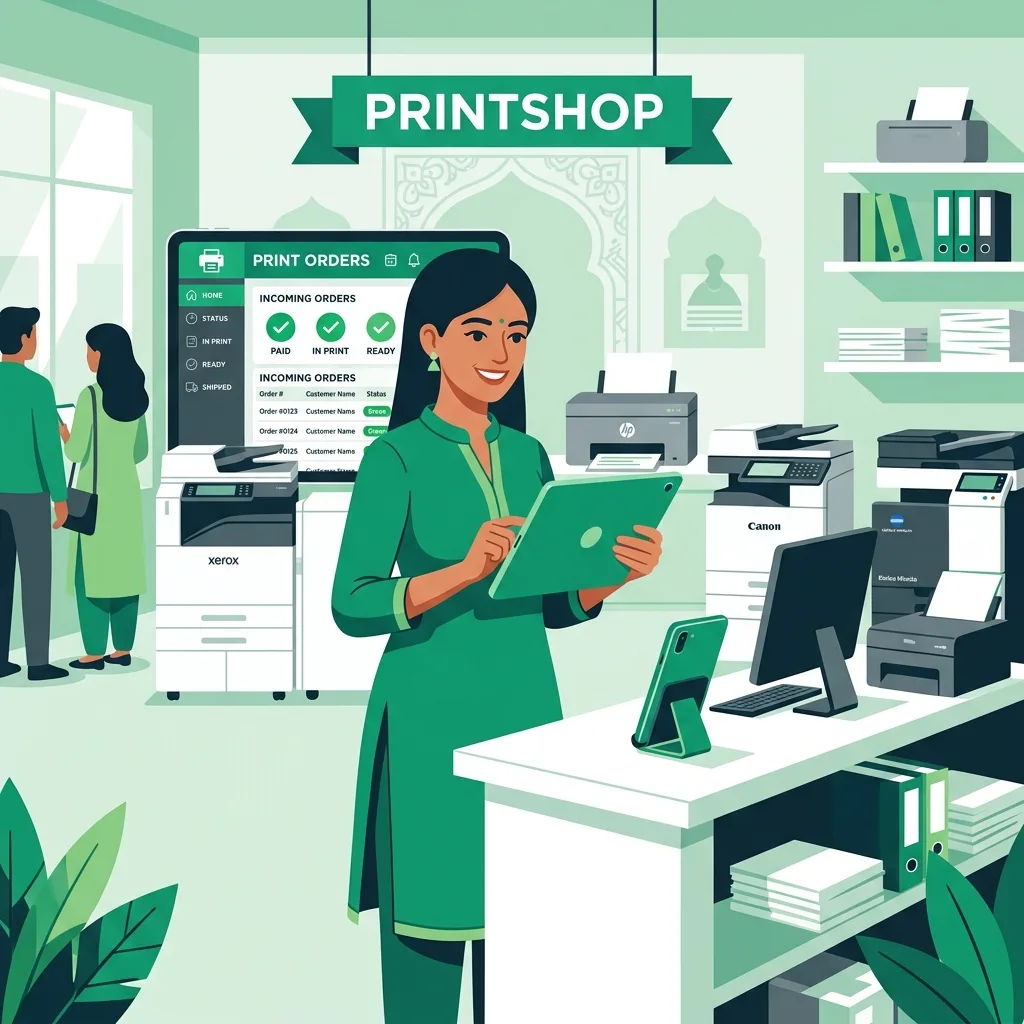
Walk into any busy xerox shop near a college or government office in India between 9 AM and 11 AM and you'll see the same scene: a queue of students holding pen drives, employees clutching papers, and one overworked counter person trying to handle cash, operate the printer, and answer phone calls simultaneously. This is the daily reality for most print shop owners — and it doesn't have to be.
Accepting print orders online is not just a convenience feature. It's a business transformation. When customers submit their documents, configure settings, and pay before arriving, your shop runs faster, earns more, and serves customers better. This guide explains exactly how xerox shops in India can go digital with Scan2Paper.
Why Online Order Acceptance Matters for Xerox Shops
The biggest pain point in a traditional print shop isn't the printer — it's the handoff. A customer arrives, hands over a pen drive or WhatsApp file, explains what they want (colour? duplex? how many copies?), and waits. You decode their requirements, estimate the cost, and hope they have exact change. Each transaction takes 3–5 minutes even for simple jobs.
Online ordering eliminates every friction point in this sequence. The customer does the configuration from their phone — selecting pages, colour mode, number of copies, and paper size — before they reach your counter. By the time they arrive, the order is already queued, configured, and paid for. Your job is to print and hand it over.
- Reduce average transaction time from 4–5 minutes to under 60 seconds
- Accept orders 24/7, even when your shop is closed — open at 9 AM with a queue already processed
- Eliminate cash-handling errors and change disputes
- Never miss an order because a customer couldn't reach you on WhatsApp
- Build a digital record of every transaction for accounting
How Scan2Paper Works for Shop Owners
Scan2Paper is a digital print shop management platform designed specifically for Indian xerox shops, copy centres, and document service businesses. The workflow is simple, and it takes less than 10 minutes to set up.
Step 1: Create Your Shop Profile
Sign up at Scan2Paper and create your shop profile. Enter your shop name, address, phone number, and business hours. Once your profile is approved, you receive a unique 6-character shop code and a QR code that links directly to your shop page.
Step 2: Set Your Pricing
Configure your pricing in the dashboard. Set per-page rates for black-and-white and colour printing, duplex surcharges, and any minimum order amounts. Scan2Paper automatically calculates the order total based on these rates, so customers see the exact price before paying.
Tip: Start with rates slightly higher than walk-in prices (e.g., ₹1.50/page instead of ₹1/page) to account for the convenience you're offering. Most customers are happy to pay ₹5–10 more to skip the queue.
Step 3: Display Your QR Code
Print your shop QR code and place it at your counter, on the wall near the entrance, and on any packaging or receipts you hand out. You can also share the QR image on your WhatsApp Status or Instagram bio. When a customer scans the code, they land on your shop's order page.
Step 4: Receive Orders on Your Dashboard
Every time a customer submits an order, you receive an instant notification on the Scan2Paper dashboard (and optionally via SMS). The order card shows the customer's name, phone number, file name, page count, colour settings, number of copies, and payment status. You can review the order and mark it as 'Printing' when you start, and 'Ready for Pickup' when done.
The Customer Experience: From QR Scan to Pickup
Here's what a customer goes through when ordering from your Scan2Paper-enabled shop:
- Customer scans your QR code or enters your 6-character shop code at scan2paper.com/find-shop
- They land on your shop page showing your name, address, hours, and pricing
- They upload their PDF document directly from their phone storage or cloud (Google Drive, WhatsApp downloads)
- They select print settings: colour or B&W, single-sided or duplex, number of copies
- The system shows the calculated total (e.g., 12 pages × ₹1.50 = ₹18.00)
- They submit the order and receive a digital order slip with an order number
- They arrive at your shop, show the order slip, and collect their printout — no queue, no negotiation
Real-world example: A student at a college near Pune uploads their 40-page project report at 11 PM. By 8 AM the next morning when they head to your shop, the job is already printed and waiting. They collect the report and leave in 30 seconds.
Common Questions from Shop Owners
What if a customer uploads a file I can't print?
Scan2Paper accepts PDF files only, which ensures consistent print quality. If a customer tries to upload a .docx or .jpg, the system prompts them to convert to PDF first. This reduces the back-and-forth that happens when customers bring problematic files to the counter.
Do I need any special hardware?
No. Scan2Paper runs on any smartphone, tablet, or computer with a browser. You don't need to install any software or buy new hardware. Your existing printer connects to the computer as normal — Scan2Paper handles the order management, not the actual printing.
What happens to payments?
Payment is collected directly by the shop owner — either in person at pickup or via any method the shop accepts. Refunds, if ever needed, are handled directly between you and the customer.
Getting Your First 10 Online Orders
The hardest part of going digital is the first week. Here's how to accelerate adoption:
- Place the QR code at eye level on your counter — not behind the printer where customers can't see it
- Tell every walk-in customer about online ordering for the first two weeks ('Next time you can order from home!')
- Put the QR code in your WhatsApp groups (college, colony, office groups where your customers are)
- Offer a small first-order incentive — ₹5 off or a free page — to encourage first tries
- Display a simple sign: 'Skip the queue — Order online, pay via UPI, collect in 5 minutes'
Most shops see their first online orders within 24 hours of displaying the QR code. Within two weeks, online orders typically account for 20–30% of total volume. Within a month, shops near colleges routinely process the majority of their orders digitally.
Start Today
Setting up online ordering for your xerox shop takes less time than you think. Scan2Paper is free to start — no monthly fees, no setup costs, no contract. Create your shop profile, display your QR code, and start receiving digital orders the same day.